
This tutorial demonstrates how to calculate the Volume, Density, and Buoyancy (VDB) of a wooden rectangular cube using Polytech’s SMART:Blox S5 STEM set and the STEM LAB Windows application.
Method
- Measuring Weight and Dimensions:
- Use a force sensor to measure the object’s weight.
- Use a ruler to measure the object’s physical dimensions (Length, Width, Height).
- Recording Data:
- Input the measurements into the STEM LAB application.
- Follow the application’s step-by-step instructions to calculate the volume of the object.
- Density Calculation:
- Review the application’s theory on Density.
- Perform density calculations using the application’s guided steps.
- Buoyancy Calculation:
- Submerge the object in a beaker of tap water.
- Measure the object’s new weight using the force sensor.
- Use the application to calculate the object’s buoyancy.

Materials
- Tap water
Equipment
- SMART:Blox S5 STEM Set
- ARD:icon controller
- Force sensor AFX04
- UTP cable (x1)
- USB cable (x1)
- 50g Wooden rectangular cube with hook
- String
- Height-adjustable Retort Stand
- Ruler
- 250ml Plastic Beaker
- Windows PC with STEM LAB software
Resources

Safety Note
There are no special safety requirements for this experiment.
Setup instructions
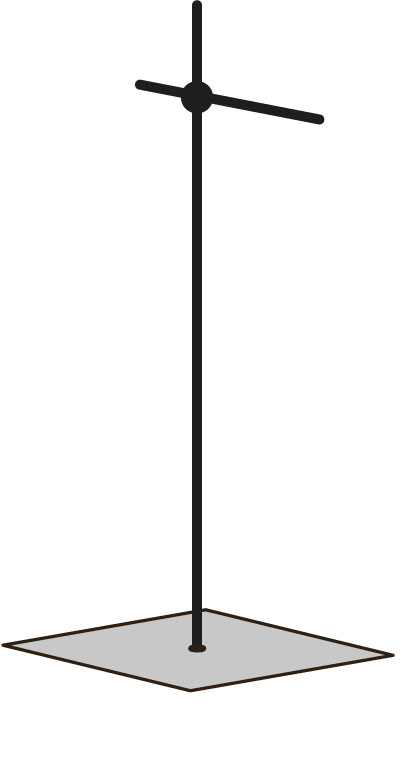
- Assemble the height-adjustable retort stand:
- Connect two metal rods using a boss to form a perpendicular arrangement.
- Secure the force sensor at the end of the horizontal rod.
- Attach the wooden cube mass to the force sensor hook using a string.

Connections

- Connect the Force Sensor AFX04 to the ARD:icon’s D3/D4 input socket using the UTP cable.
- Use a USB cable to connect the ARD:icon controller to the Windows PC.
Usage Instructions
- Open the Polytech STEM LAB application on your PC.
- Select “Arduino VDB” and press “Start VDB.”
- Click Connect to establish communication with the force sensor.

The screen will display the object’s weight in grams.
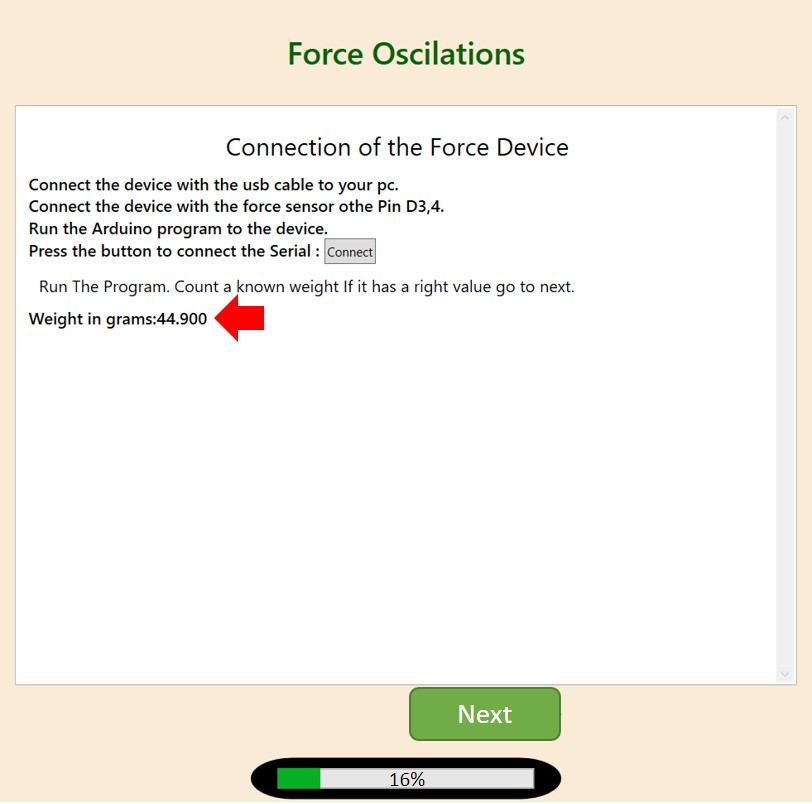
- Click Next to proceed
In this step we will read theory and calculate the Volume of the mass. Read the instructions on the screen.
- Review the theory about Volume displayed on the screen.
- Select Rectangular from the drop-down menu for the object’s shape.
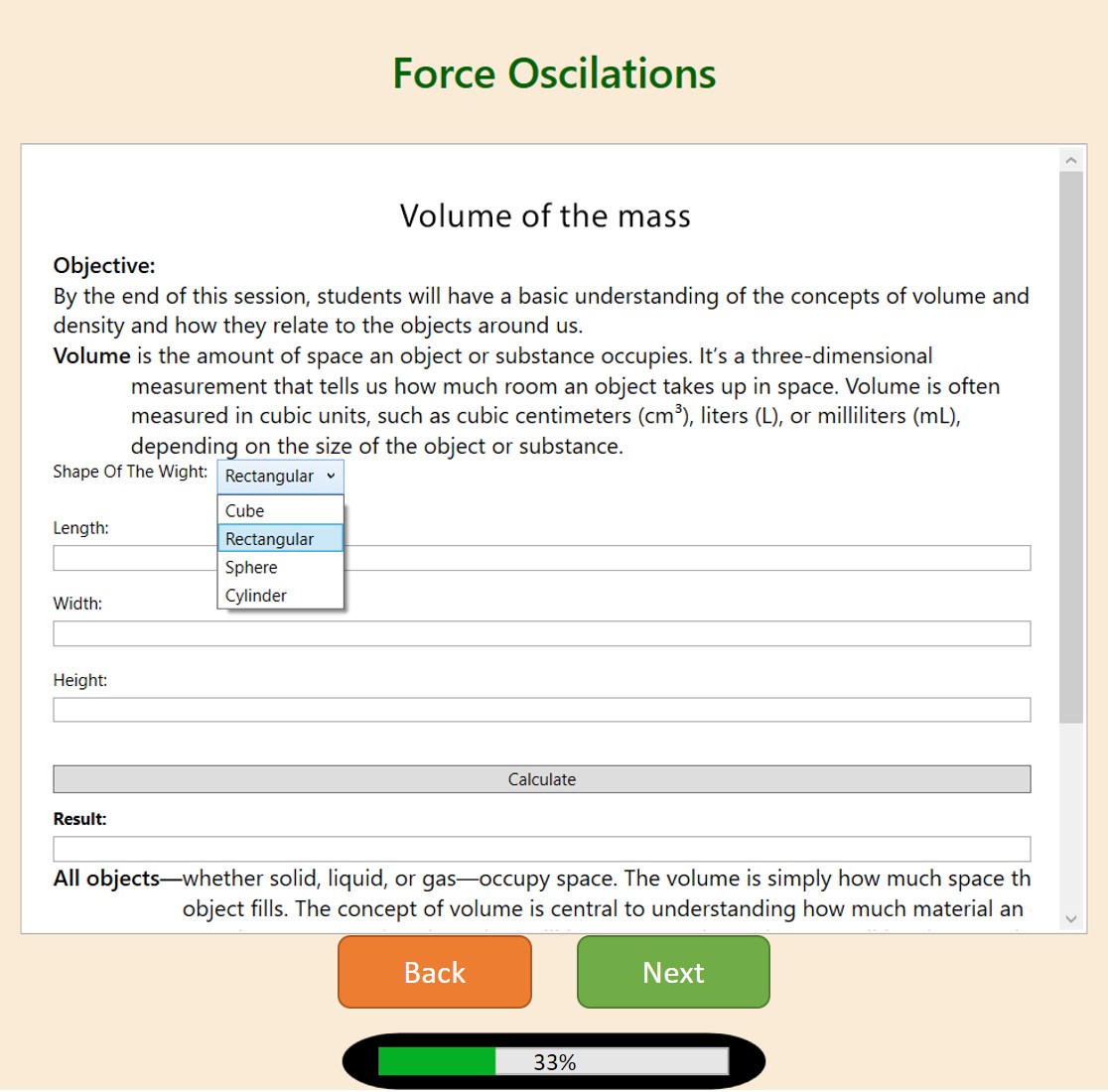
- Measure the cube’s Length, Width, and Height using the ruler. Input these values into the corresponding fields in the STEM LAB application.
- Click Calculate to compute the Volume. Record the result.

- Scroll down to review additional theory about volume calculation for various object shapes. Click Next to proceed.

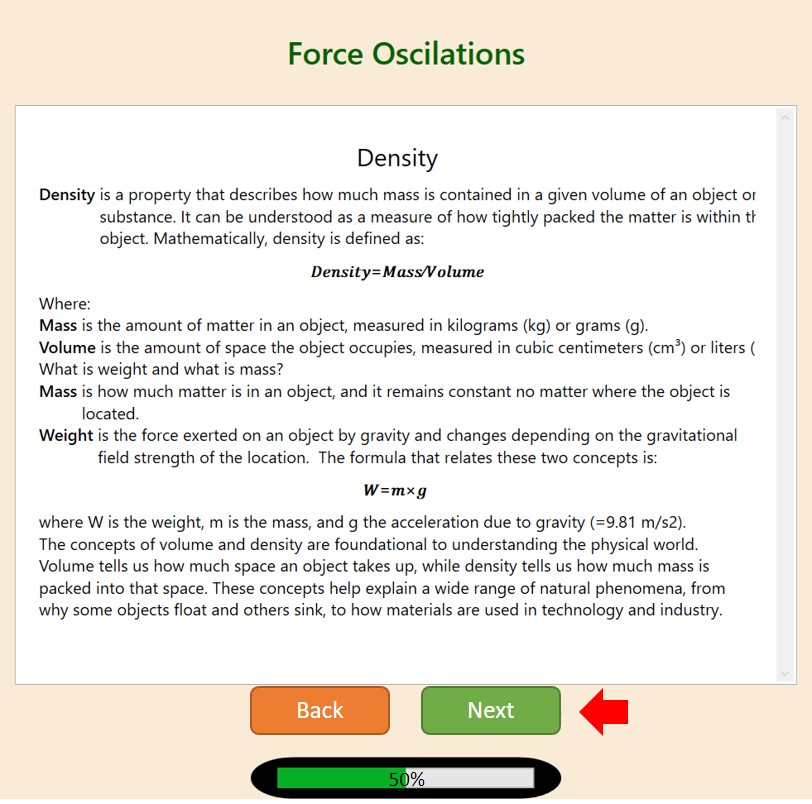
In this step we will read theory about Density.
- Read the theory about Density displayed on the screen. Click Next to proceed.
In this step we calculate the Density of the object.
- Enter the previously recorded Volume into the field labeled Your Volume is.
- Follow the guided steps to calculate the cube’s Density. The application will present the results. Click Next to continue.
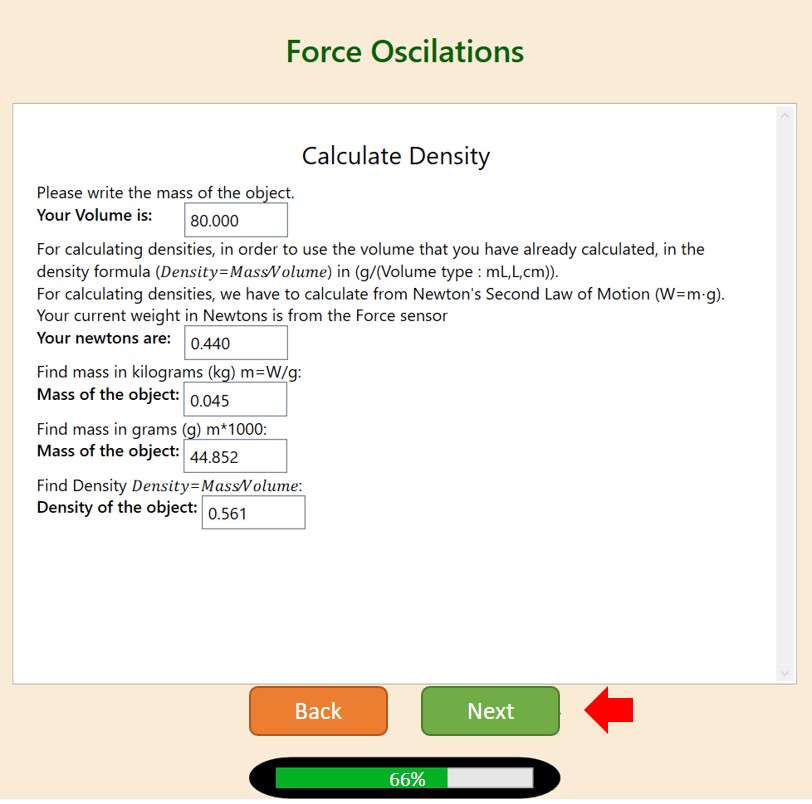
In this step we read theory about Buoyancy
- Read the theory about Buoyancy displayed on the screen. Click Next to proceed.
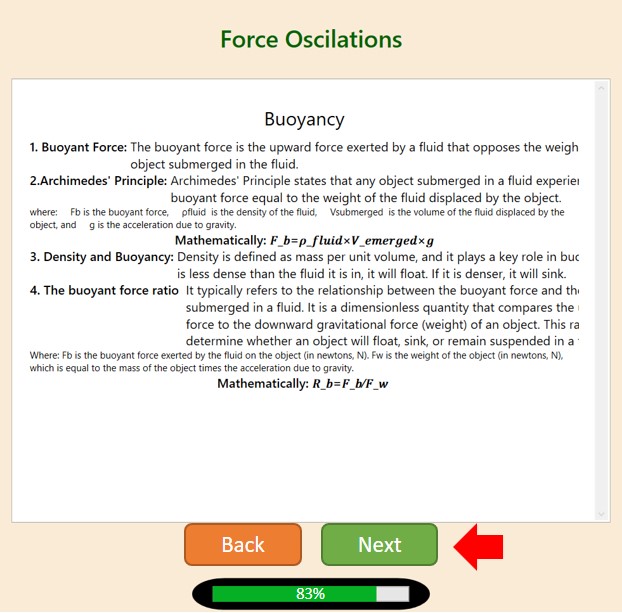
In this step we calculate the Buoyancy of the object.
- On the screen name Claculate Buoyancy, the field Your Weight merged is presents the calculation of the mass Weight. Click OK to record it and proceed.
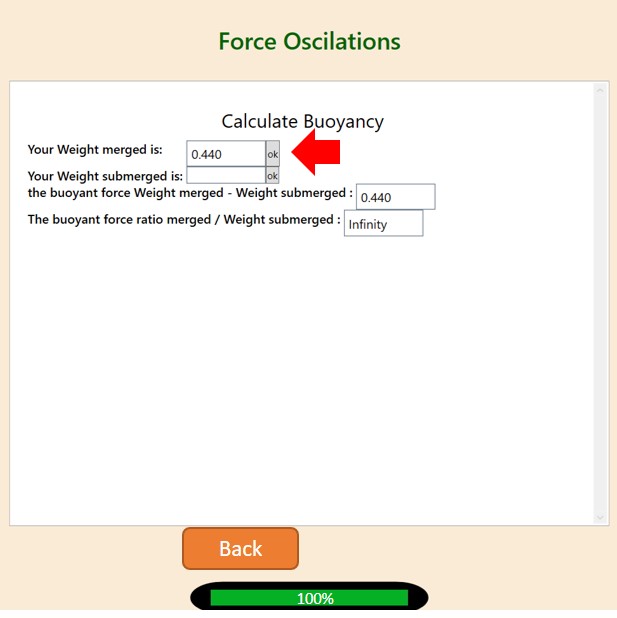
- Pour 175ml of tap water into the 250ml beaker.
- Place the beaker directly under the object.
- Adjust the height of the rod holding the force sensor so the object is submerged in water. Ensure the object does not touch the bottom of the beaker.


- The field labeled Your Weight submerged is, displays the sensors reading now. Click OK to record the new weight of the submerged object.
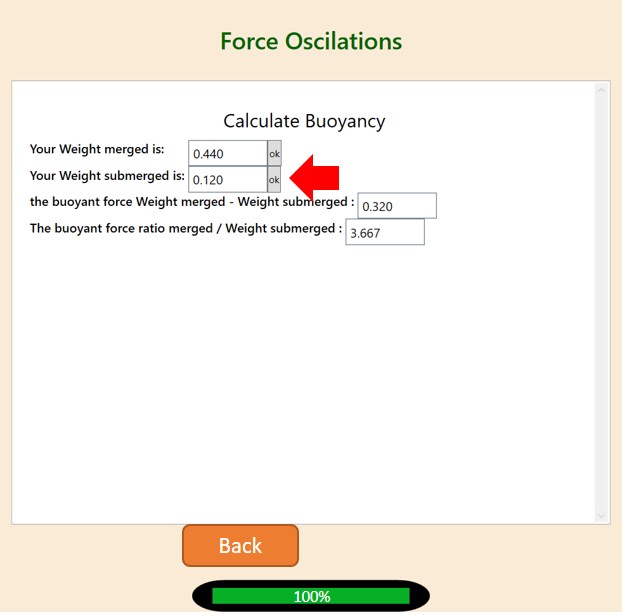
- The application will calculate and display:
- The Buoyant Force Difference.
- The Buoyant Force Ratio.
End of tutorial