
In this experiment we test soil pH using Polytech’s BT11 Teacher’s STEM Lab Kit.
Method
We collect and mix 100g of soil and 200ml distilled water to create a solution that we filter. We use the filtered solution to measure the pH levels using BT11’s pH sensor. We monitor the result on the computer screen.

Resources
Contents
Equipment
- BT11 Teacher’s STEM Lab Kit
- 500ml Beaker (x2)
- Cone
- Scale
Materials
- 200ml Distilled water
- 100g homogenus soil sample
- Paper filter
Hardware & Software
- Windows PC with Bluetooth
- ilab for Windows Application

Warnings/safety
- There are no special safety requirements for this experiment.
- The soil should be taken from the same depth below the surface each time you test.

Info
- Take at least two soil samples per test
- Mix the samples to get a homogenous sample
1. Sampling
- Collect samples of soil from the test area.
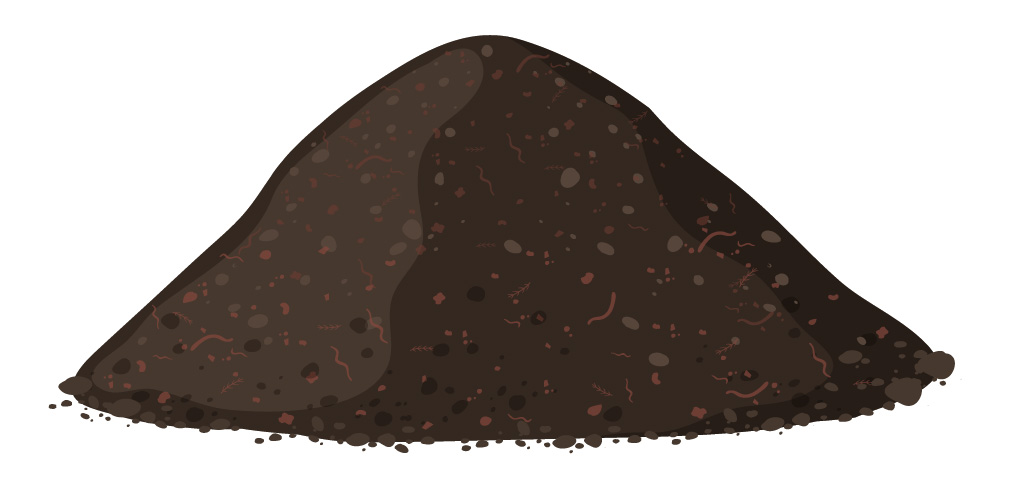
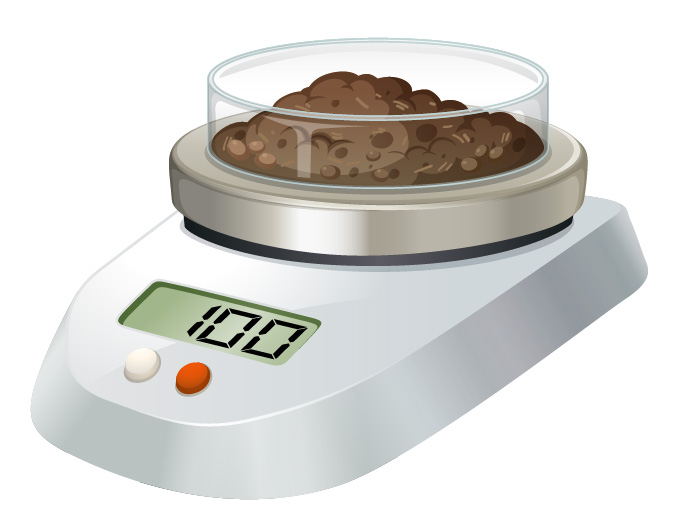
- Mix the samples to create a homogeneous sample. Weigh out 1 unit of soil (100g).
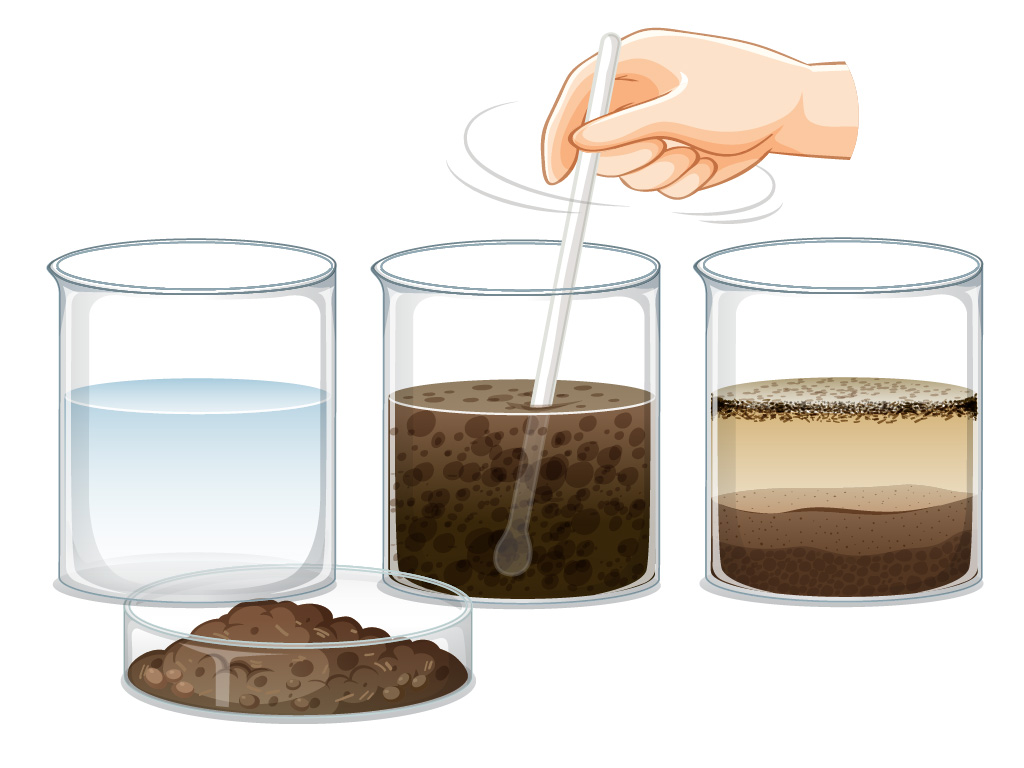
- Add 200 ml distilled water to it.
- Stir the sample for 30 seconds.
- Let it sit for 15 minutes.
2. Equipment Setup Instructions
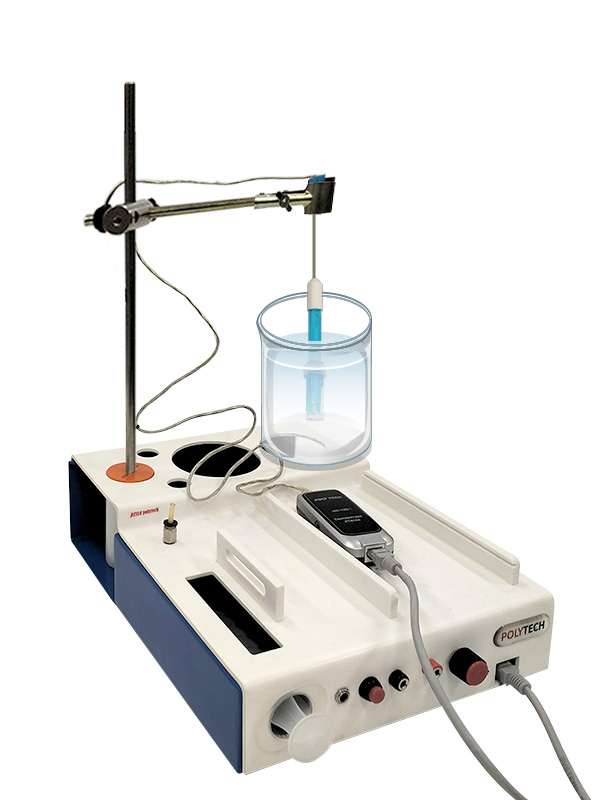
- Assemble the retort stand with two metal rods connected with a boss perpendicular to each other.
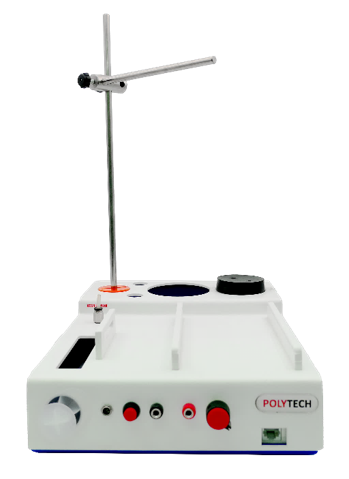
- Adjust the clamp on the horizontal rod
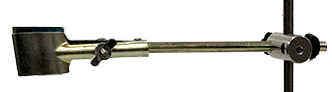
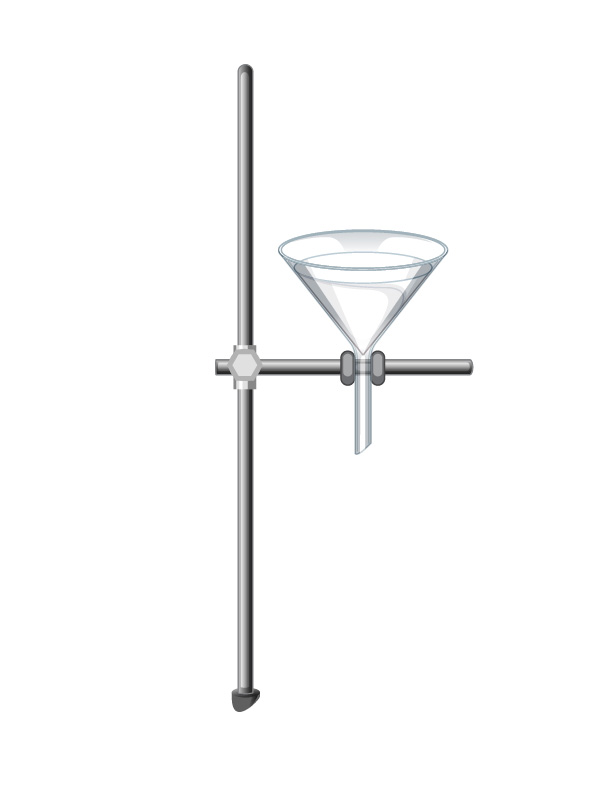
- Fix the cone to the clamp
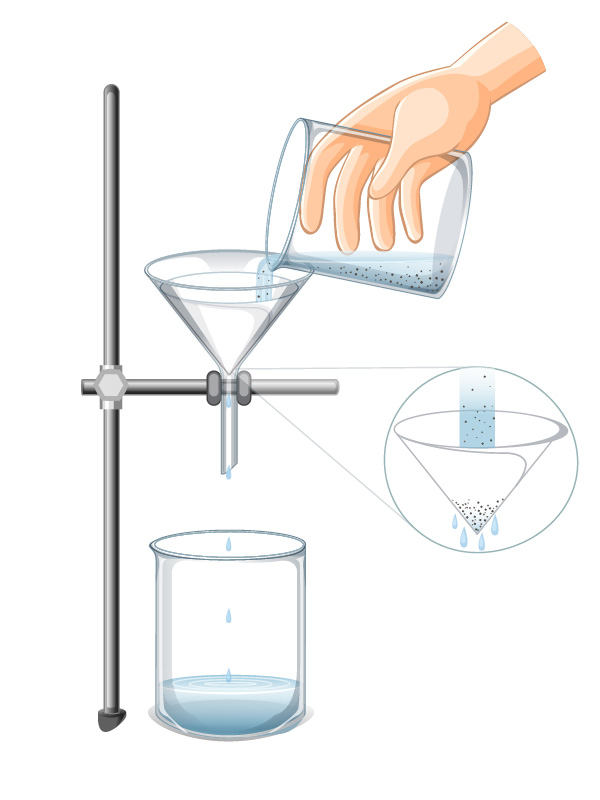
- Add a paper filter to the cone
- Filter the solution liquid into a clean beaker
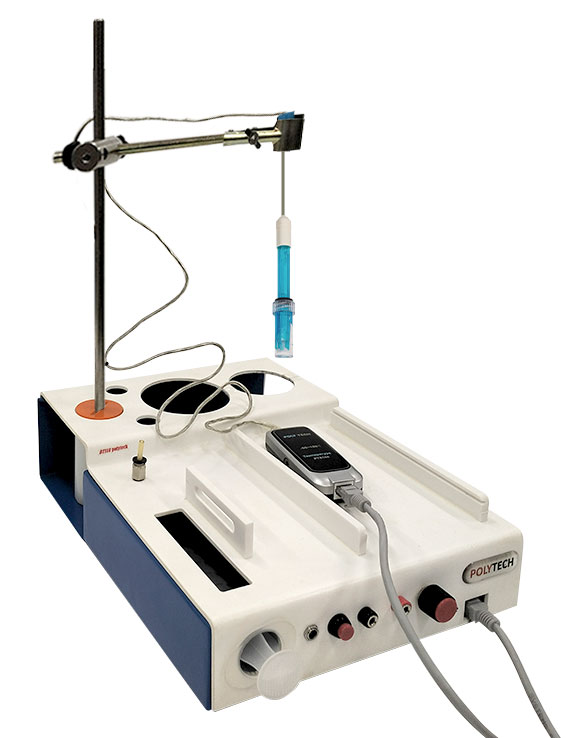
- Remove the cone from the retort clamp and fix the pH sensor probe facing downwards.
3. Connections
- Connect the pH sensor to the BT11 with UTP cable.
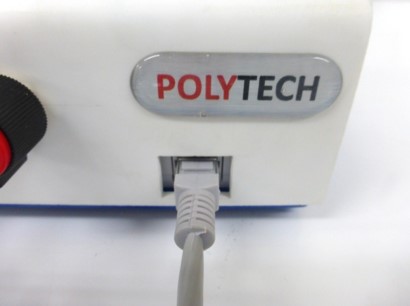
- Connect the BT11 to the computer with wireless connection. (For further instructions consult the “Operating BT11” manual).
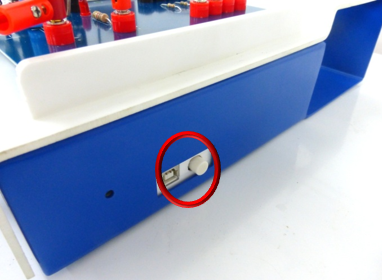
- Turn on the BT11 datalogger by pressing the button on the right side.
4. Usage Instructions
- Stir the solution again. Put the beaker with the filtered solution under the sensor probe. Make sure the sensor probe is thoroughly inserted in the solution.
- Hold the probe in the solution at least 1 minute before the reading.
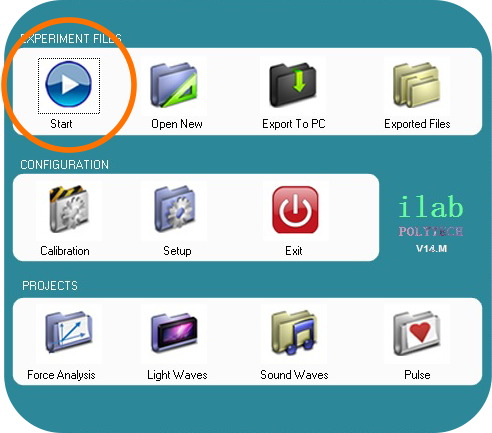
- Run the iLab application and select Start
 .
.
- On the screen that appears press the
 icon
icon
- On the window Select display mode that is now open, select the following:
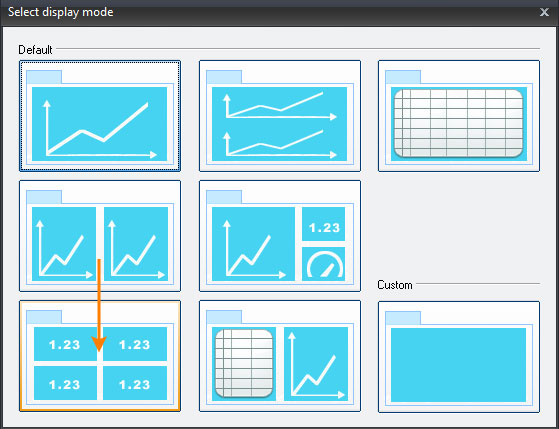
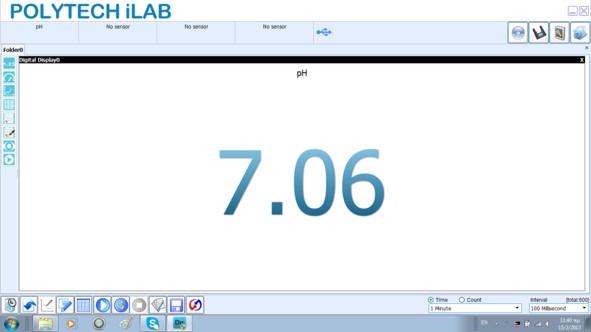
- Watch your measurement with pH meter on the screen.
End of tutorial